
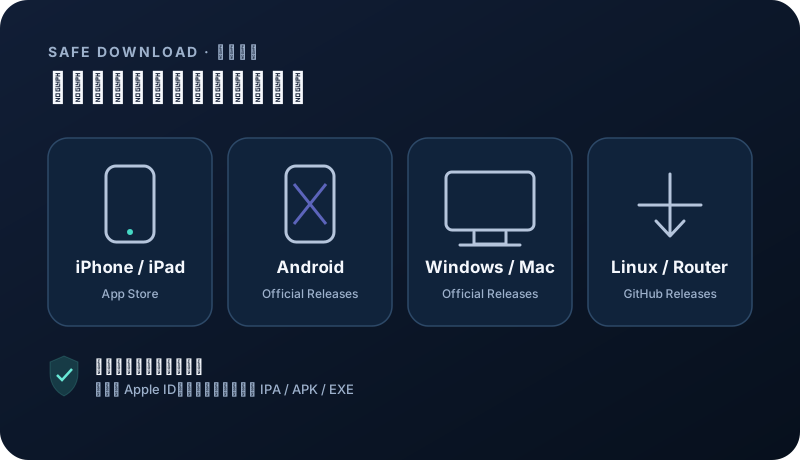
Choose an official client for your device
Install from the project release page or App Store. Choose a client that matches your device and supports subscription imports.
Windows · macOS · Linux · Android · iOS
App Store availability and pricing vary by region; check the store page before installing. Open official download ↗ Download on the App Store ↗Windows · macOS · Linux
Official GitHub Releases. Choose a stable build for your operating system and CPU architecture. Open official download ↗Security note: avoid shared Apple IDs, enterprise-signed builds, file-sharing mirrors, and modified installers from ads. App Store availability depends on your Apple ID region.
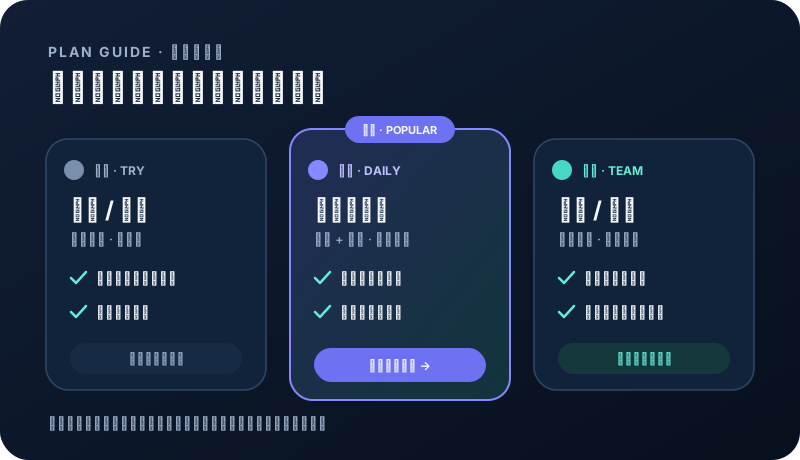
Estimate data and device count
Browsing, messaging, and occasional collaboration use less data; HD video, large sync jobs, and team sharing use much more. Count devices that may connect at the same time.
- Light single-device use can start at the entry tier.
- Phone and computer can be used together without extra device slots.
- Teams should leave capacity for growth and peaks.
APAC or global access
For Asia-focused use, nearby Hong Kong, Singapore, or Japan nodes can be practical. Cross-region work benefits from wider coverage and more backups.
- Entry tiers suit defined APAC needs.
- Choose broader global access for multi-region work.
- Keep a small set of primary and backup nodes.
VMess and Hysteria2
VMess has broad client support. Hysteria2 uses different transport behavior and may be flexible on some variable or high-latency networks. Results depend on the local route, client, and live node.
- Use a protocol your client explicitly supports.
- Reliable service matters more than frequent switching.
- Higher tiers can provide more protocol and backup choices.
Trial first, verify at checkout
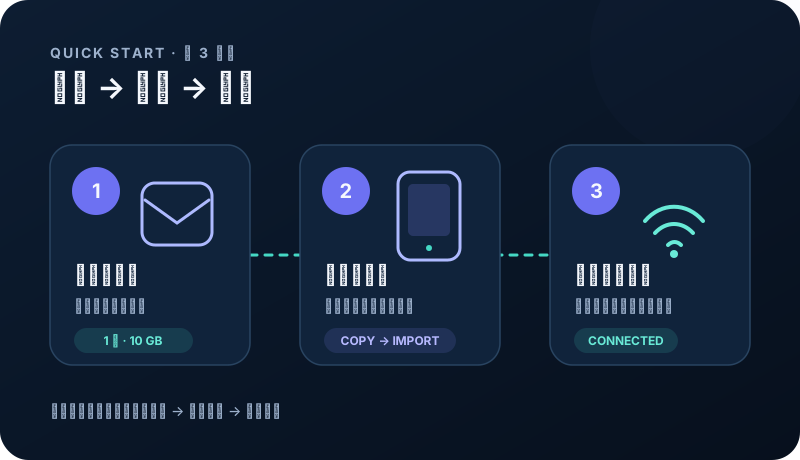
Eligible users can test 1 day and 10 GB. Before payment, verify the current price, data, devices, billing period, and node access on the checkout page.
- The checkout page is authoritative for promotions.
- Longer terms suit stable needs; shorter terms stay flexible.
- Ask support with your device count, regions, and workload if unsure.
Related questions
Do more nodes always mean more speed?+
No. More nodes improve choice and redundancy, but actual speed still depends on the local carrier, congestion, destination, and route.
Can I upgrade after purchase?+
Follow the upgrade and renewal options currently shown in the account center. Check remaining time, price difference, and new entitlements first.