
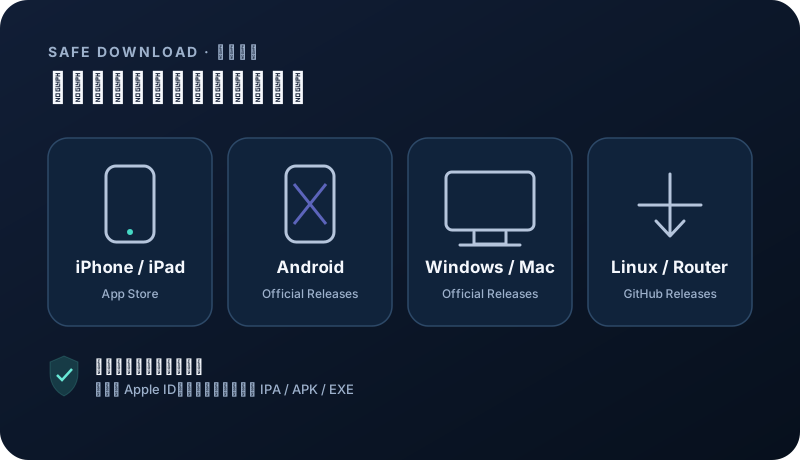
Choose an official client for your device
Install from the project release page or App Store. Choose a client that matches your device and supports subscription imports.
Windows · macOS · Linux · Android · iOS
App Store availability and pricing vary by region; check the store page before installing. Open official download ↗ Download on the App Store ↗Windows · macOS · Linux
Official GitHub Releases. Choose a stable build for your operating system and CPU architecture. Open official download ↗Security note: avoid shared Apple IDs, enterprise-signed builds, file-sharing mirrors, and modified installers from ads. App Store availability depends on your Apple ID region.
Remove conflicts before installing
Exit other proxy, network debugging, or packet capture tools. Confirm system time, then use the account guide to obtain the recommended client.
- Grant Windows firewall access only on trusted networks.
- macOS may require confirmation under Privacy & Security.
- Use official download sources only.
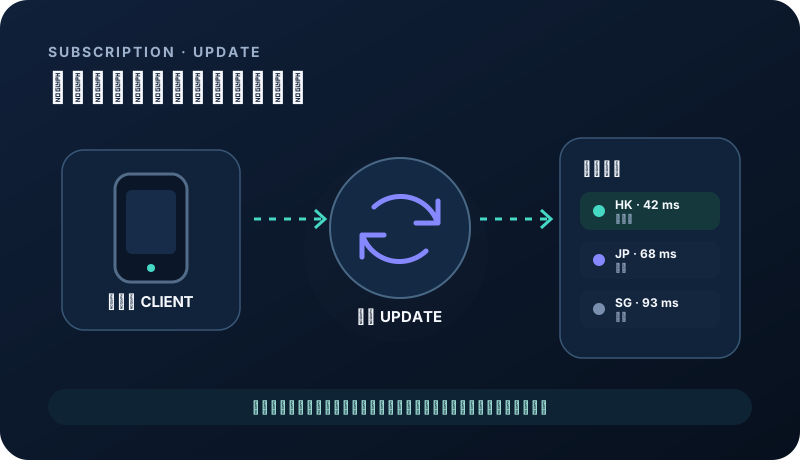
Import and select a node
Add the subscription URL, refresh the remote profile, and choose a nearby node. Default rules and system proxy mode are enough for a first test.
- Refresh after a plan change.
- Probe latency is not the same as full page load time.
- Try a same-region backup before deleting the subscription.
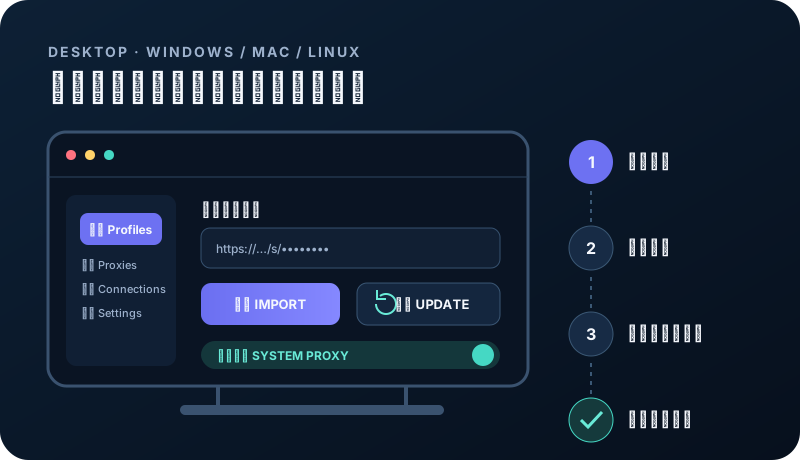
System proxy versus TUN
System proxy covers browsers and most compliant apps. TUN covers more traffic but needs higher privileges. Start with system proxy and enable TUN only when necessary.
- Never enable system proxy in multiple clients.
- Use the client’s disable command before exiting.
- Check organizational policy before changing a managed device.
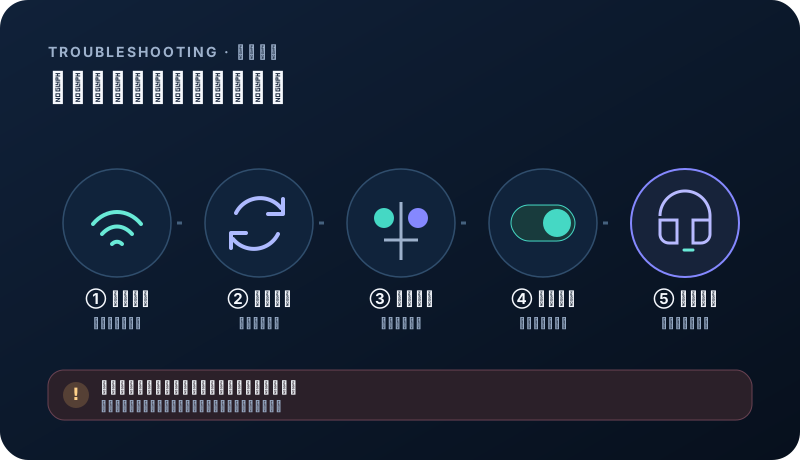
When pages stop loading
Confirm the direct connection works, reopen the client, refresh the subscription, and switch node. Reset the system proxy or restart only if the earlier steps fail.
- One app fails: inspect its independent proxy setting.
- Everything fails: inspect stale proxy, firewall, and DNS.
- When opening a ticket, never include the subscription URL.
Related questions
Can Windows and macOS connect at the same time?+
Yes. All plans allow unlimited devices sharing the total data allowance and validity.
Why is a speed test fast while pages remain slow?+
Probe latency is only one part of page loading. The destination, DNS, local carrier, congestion, and time of day also matter.