
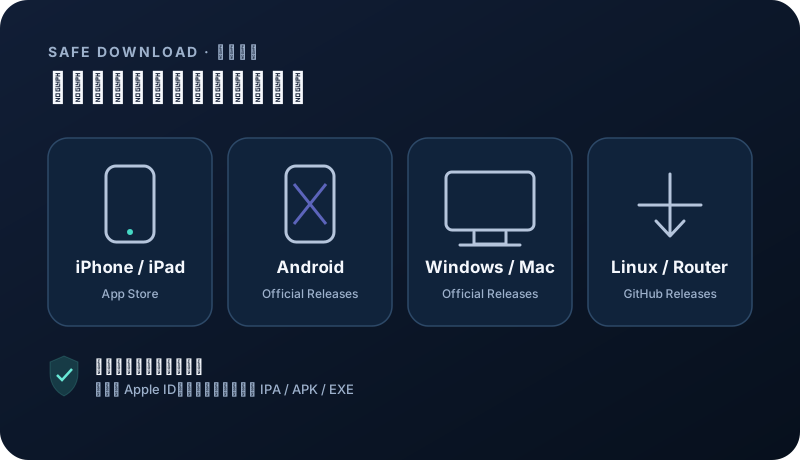
Choose an official client for your device
Install from the project release page or App Store. Choose a client that matches your device and supports subscription imports.
Android 8+ · ARM64
Recommended for Android: open NexaHop directly after installation; no subscription copying or manual refresh. Existing customers should sign in to their original account. Trials are subject to eligibility checks. Open official download ↗Windows · macOS · Linux · Android · iOS
App Store availability and pricing vary by region; check the store page before installing. Open official download ↗ Download on the App Store ↗Windows · macOS · Linux
Official GitHub Releases. Choose a stable build for your operating system and CPU architecture. Open official download ↗Android
Official GitHub Releases. Choose a stable build for your operating system and CPU architecture. Open official download ↗iPhone · iPad · Apple TV
App Store availability and pricing vary by region; check the store page before installing. Open official download ↗Security note: avoid shared Apple IDs, enterprise-signed builds, file-sharing mirrors, and modified installers from ads. App Store availability depends on your Apple ID region.
Prepare before registration
Use an email address that can receive verification messages and set your device time and time zone to automatic. Registration does not ask for a phone number or payment card.
- Start from the official NexaHop domain.
- A device may claim the new-user trial only once.
- Use your normal private network rather than a crowded public connection when possible.
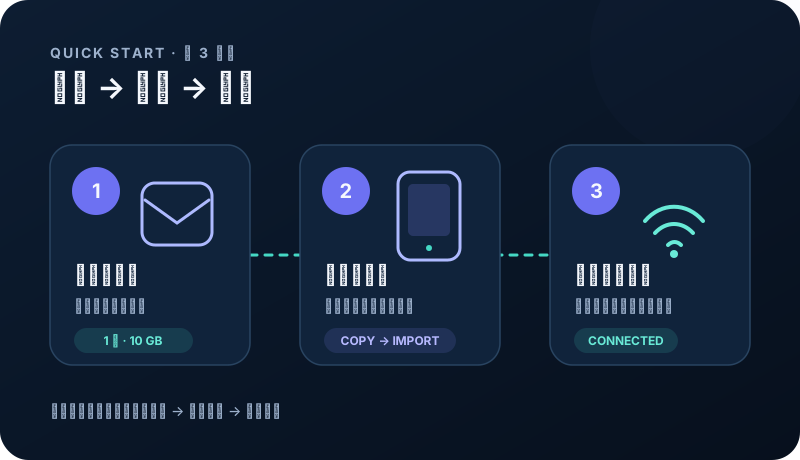
Claim the 1-day, 10 GB trial
After email verification and password setup, the system checks device and network eligibility. Eligible accounts receive 24 hours, 10 GB, and one-device access automatically.
- Check the account center for the exact expiry and balance.
- The trial does not renew or charge automatically.
- If it is not issued, contact support instead of registering repeatedly.
Import your subscription
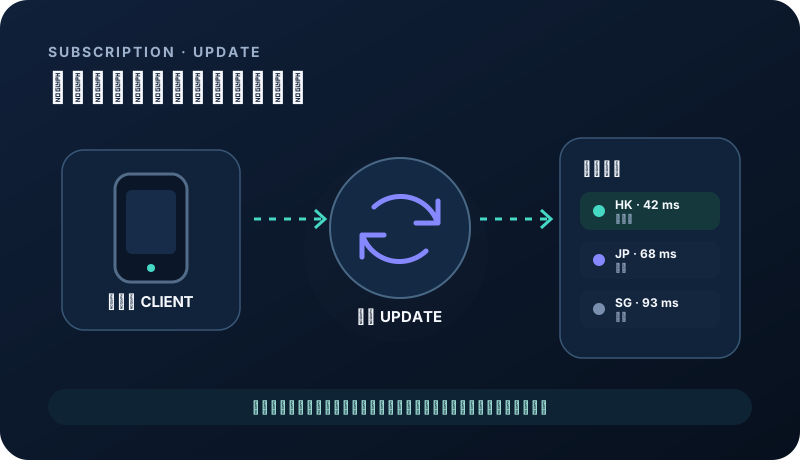
Open the account-center documentation, choose the recommended app for your system, copy your private subscription URL, and use the app’s URL import or update command.
- Treat the subscription URL as an account credential.
- Refresh the subscription once after importing it.
- Menu labels vary by app, so follow the current account guide.
Check your first connection
Open a familiar site first, then test your normal workflow. If one node is unavailable, refresh the subscription and select a backup in the same region.
- Do not run several proxy clients at once.
- On mobile, allow the app to create a VPN configuration.
- Choose a paid plan only after testing your actual use case.
Related questions
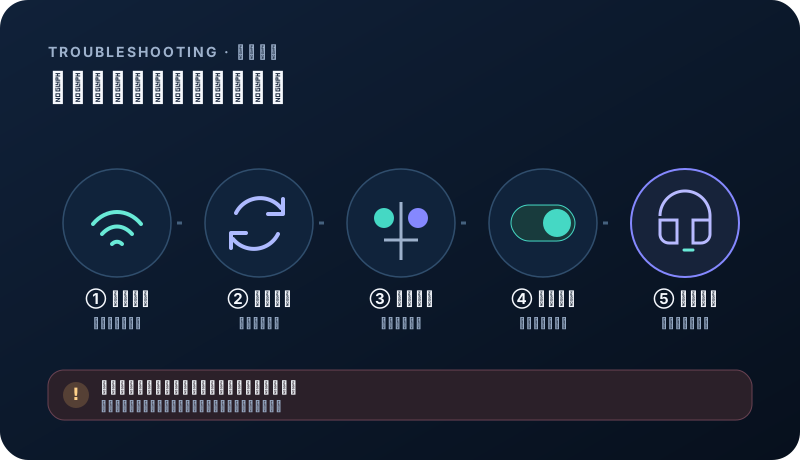
Why did my account not receive a trial?+
The device may have claimed one before, a shared public network may have reached its risk limit, or verification may be incomplete. Contact support instead of creating duplicates.
Why is the subscription URL different from the website?+
Subscriptions use a separate resilient delivery entry so service failover can happen without changing account data.