
Choose an official client for your device
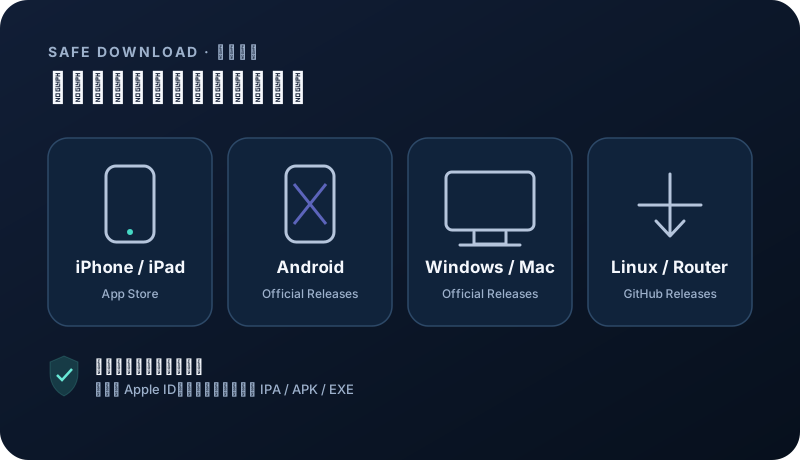
Install from the project release page or App Store. Choose a client that matches your device and supports subscription imports.
Android 8+ · ARM64
Recommended for Android: open NexaHop directly after installation; no subscription copying or manual refresh. Existing customers should sign in to their original account. Trials are subject to eligibility checks. Open official download ↗Windows · macOS · Linux · Android · iOS
App Store availability and pricing vary by region; check the store page before installing. Open official download ↗ Download on the App Store ↗Android
Official GitHub Releases. Choose a stable build for your operating system and CPU architecture. Open official download ↗iPhone · iPad · Apple TV
App Store availability and pricing vary by region; check the store page before installing. Open official download ↗Security note: avoid shared Apple IDs, enterprise-signed builds, file-sharing mirrors, and modified installers from ads. App Store availability depends on your Apple ID region.
Choose a compatible app
Use the account-center guide to find the currently recommended client for your OS version. Install only from an official app store or the project’s official release channel.
- iOS and iPadOS must allow a VPN configuration.
- Android may need background activity permission.
- Never install an unknown package downloaded by an ad page.
Import and refresh the subscription
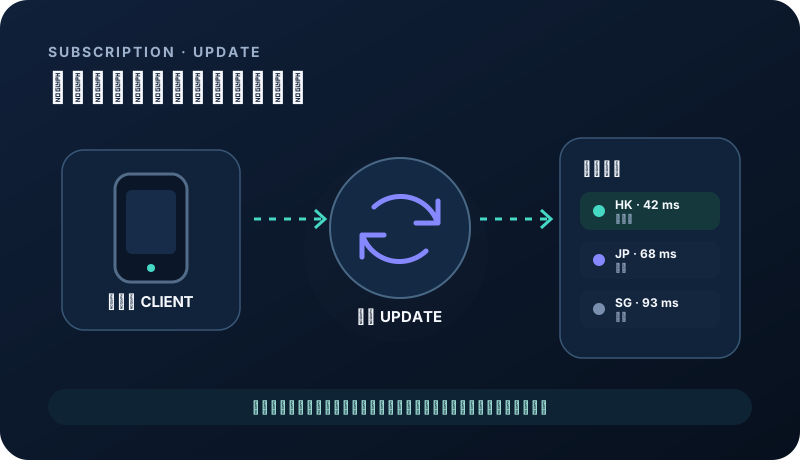
Copy the private URL and choose import from URL. Refresh after the first import and whenever your plan or node access changes.
- Copy the complete URL without spaces.
- Upgrade the client if it reports an unsupported format.
- Refreshing does not change orders or account data.
Choose a node and mode
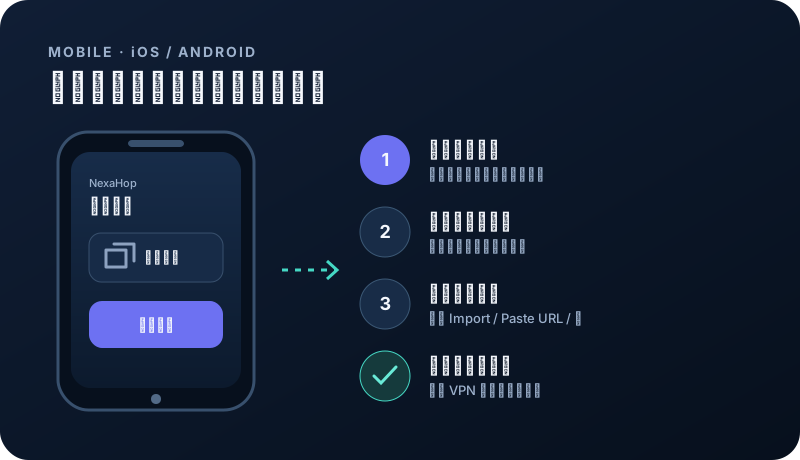
Start with a nearby, stable node. VMess has broad client compatibility, while Hysteria2 may be more flexible on some high-latency or variable networks.
- Start with rule-based mode.
- Compare Wi-Fi and cellular networks separately.
- Disconnect when not needed if battery usage matters.
Fix common mobile issues
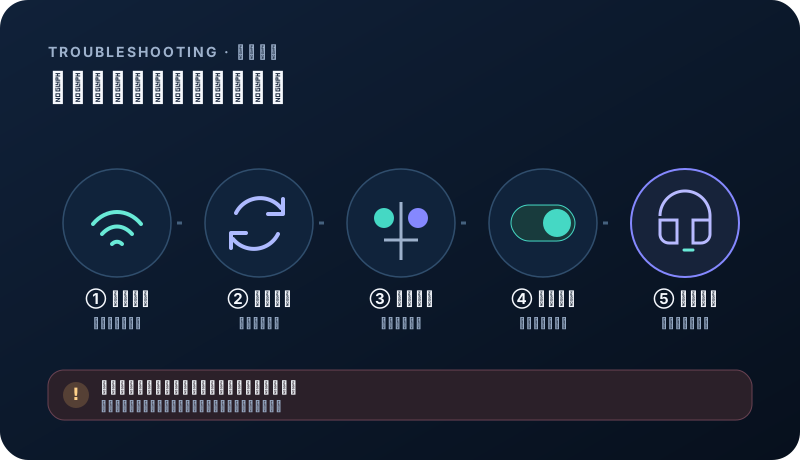
Check system time, permissions, the last subscription update, and current node status in that order.
- VPN setup fails: remove a conflicting old profile and authorize again.
- Connected icon but no page loads: switch node and check DNS.
- Frequent disconnects: remove battery restrictions and test another network.
Related questions
Can one subscription be used on iOS and Android?+
Yes. All plans allow unlimited devices sharing the total data allowance and validity.
Can I use the same subscription after changing phones?+
Yes while the account and plan are active. No extra device slot is needed. Remove your subscription before giving away the old phone.