
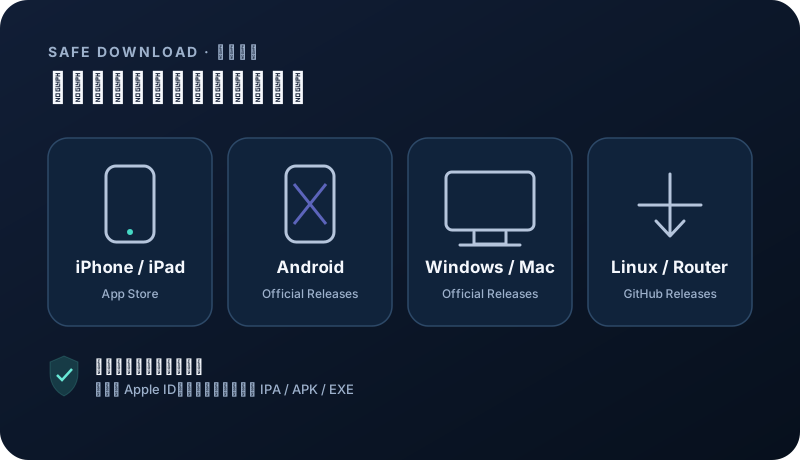
Choose an official client for your device
Install from the project release page or App Store. Choose a client that matches your device and supports subscription imports.
OpenWrt
Official GitHub Releases. Choose a stable build for your operating system and CPU architecture. Open official download ↗Android TV · Android
Official GitHub Releases. Choose a stable build for your operating system and CPU architecture. Open official download ↗Security note: avoid shared Apple IDs, enterprise-signed builds, file-sharing mirrors, and modified installers from ads. App Store availability depends on your Apple ID region.
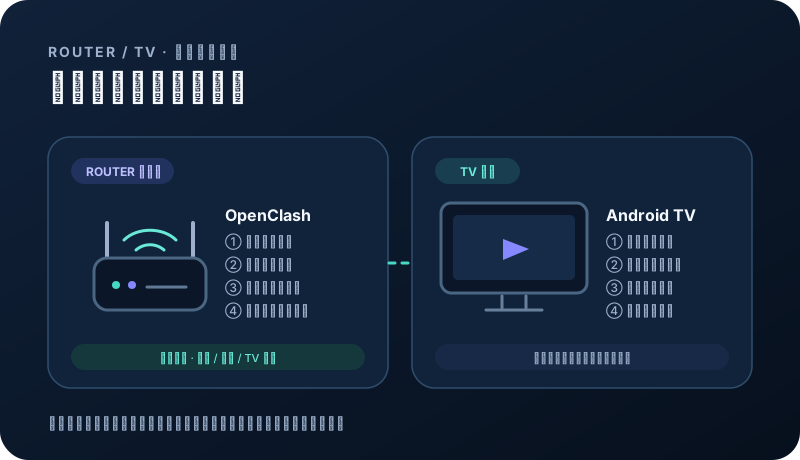
Confirm the device and official client
Use OpenClash on OpenWrt and FlClash on Android TV or compatible TV boxes.
- Back up the router first.
- Use official Releases only.
- Confirm administrator access.
Import and enable on OpenWrt
Add the NexaHop URL under subscription settings, refresh it, and test with one device before expanding the routing scope.
- Keep the URL out of public logs.
- Preserve direct management access.
- Record versions before upgrades.
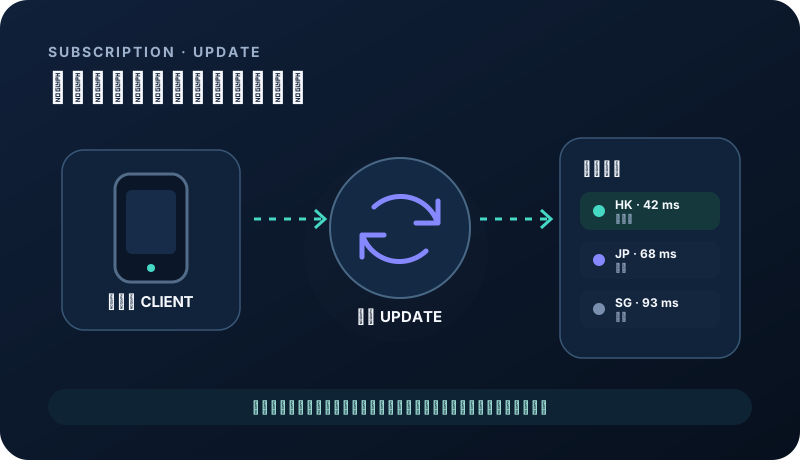
Import and connect on Android TV
Use a trusted input method, refresh the nodes, and allow the Android VPN connection.
- Avoid public QR conversion sites.
- Run only one network client.
- Prefer stable nodes for streaming.
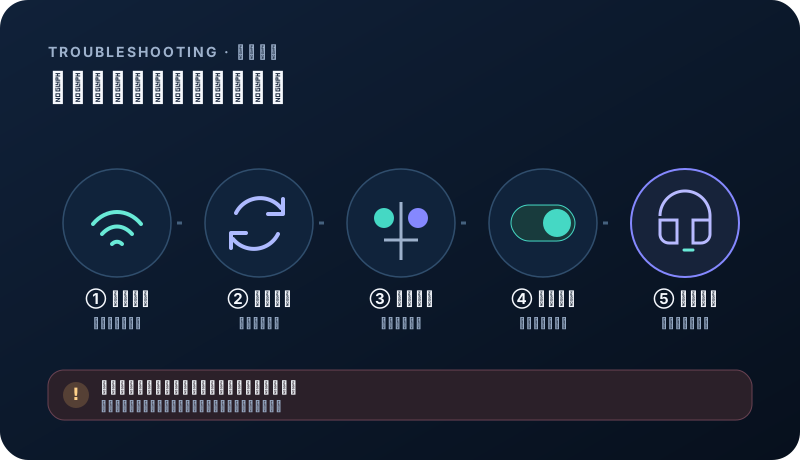
Troubleshoot in order
Verify the subscription first, then system time, DNS, node status, and routing rules. Restore direct access before making several changes.
- Test the same subscription on a phone or computer.
- Redact sensitive log fields.
- Restore the backup when needed.
Related questions
How many device slots does a router use?+
No slots are deducted. All plans allow unlimited devices; devices behind a router share the total data allowance.
Can I type the subscription directly on a TV?+
Yes, using a trusted input method. Never send the private URL to a public QR or conversion service.